

Para saber si un número es par o impar usando PHP, solamente debemos utilizar el operador % para calcular el resto de una división. Si
Categoría: Tutoriales
Tutoriales
Encuentra gran cantidad de tutoriales, manuales y artículos sobre temas relacionados a Internet, desarrollo web, marketing digital, diseño, programación, y más.
La versión 3 de reCAPTCHA permite verificar si la interacción del usuario es legítima sin necesidad de interactuar. La misma API devuelve una puntuación por
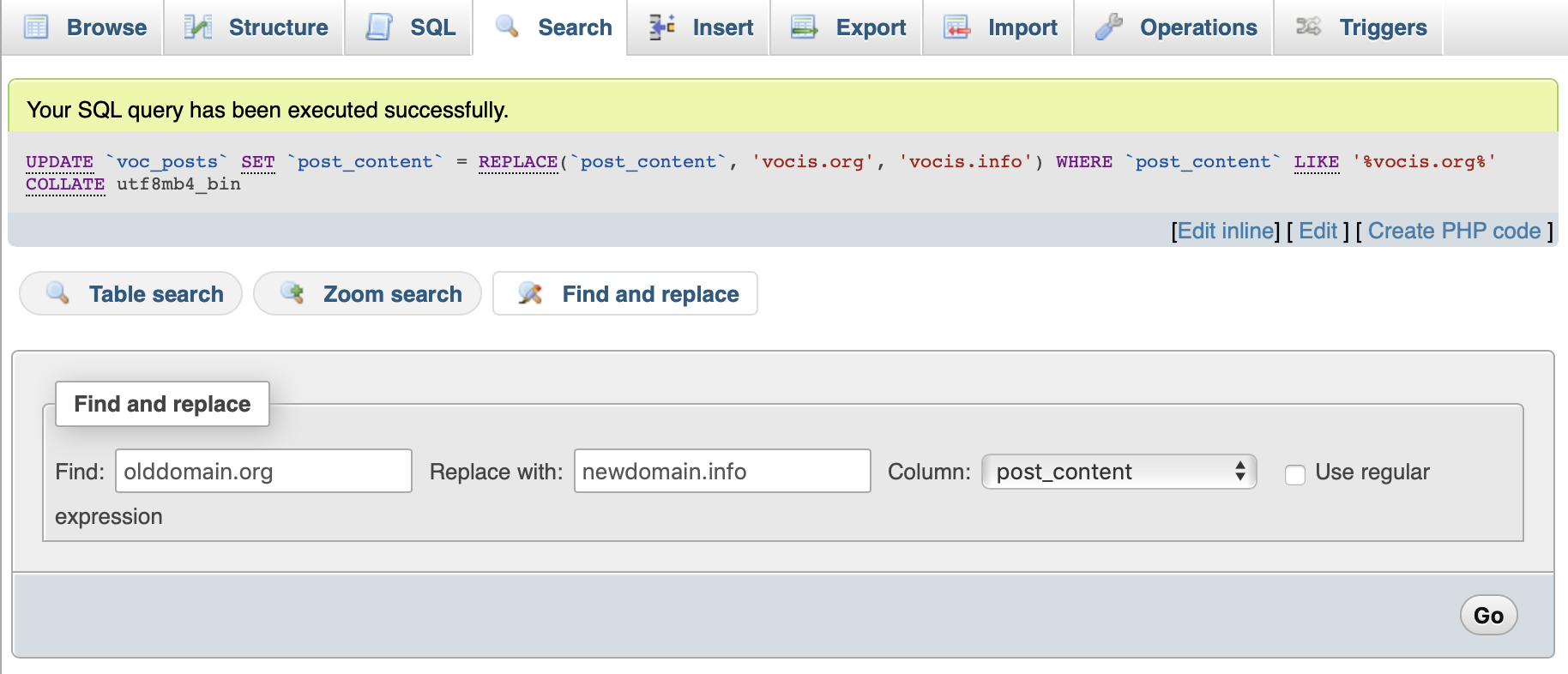
MySQL tiene una interesante función llamada REPLACE() que permite buscar una cadena para ser reemplazada por otra dentro las tablas de una base de datos.

Una práctica función que permite determinar la edad de una persona a partir de una fecha. La función que crearemos, calcula los años transcurridos desde
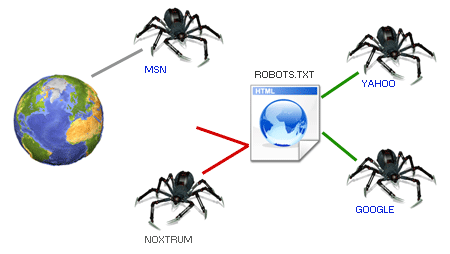
El fichero robots.txt es un archivo de texto que dicta unas recomendaciones para que todos los crawlers y robots de buscadores cumplan (¡ojo! recomendaciones, no
En este artículo recorreremos paso a paso una guía que debiéramos de tener en cuenta a la hora de diseñar una página de error 404.
Anteriormente, vimos un artículo en donde se mostraba la forma de personalizar las páginas de error que se generaban dentro de un sitio, pero no
Muchas veces nos hemos topado con páginas de error 404, que indica que la página no ha sido encontrada en el servidor, pero también nos
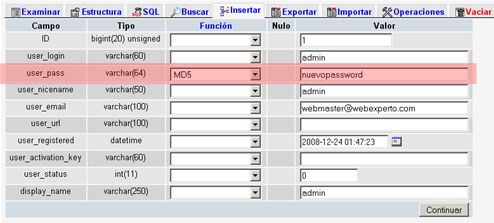
Muchas veces instalando WordPress, ya sea en un servidor local o en uno remoto, podemos llegar a olvidarnos el password de administrador, y en caso
Hace ya unos cuantos días dos blogs del lejano oriente (uno de china y otro de allí cerca) me andaban robando ancho de banda no
Apache es un servidor de web muy utilizado, principalmente en sistemas operativos Linux, aunque en la actualidad es posible instalarlo en Windows en todas sus
¿Cómo cambiar de nombre de dominio sin perder PageRank ni posicionamiento? Un cambio de marca puede implicar un cambio de dominio que nos sumergirá en